Cloudflare Workers can serve a Jekyll site straight from the built _site folder, which allows you to deploy and run a static site for free.
It seems Cloudflare is shifting focus from Pages to Workers, since the creation of a new Page app is now almost hidden, behind a small link on the bottom of a new Worker screen. Thankfully, using Workers is almost as simple.
Once you create a new worker application and connect your repo, this is how to configure it:
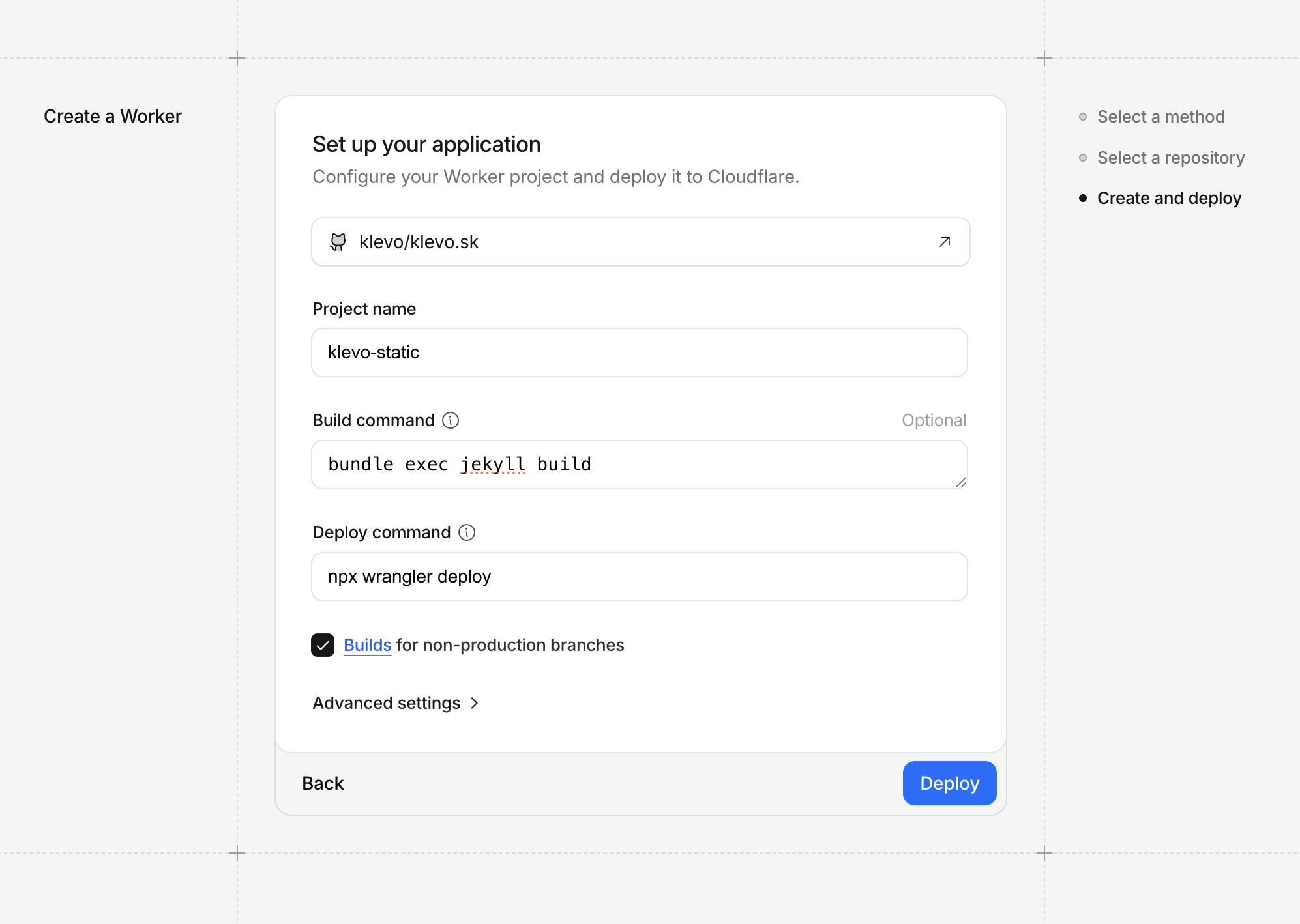
The important part is bundle exec jekyll build for the build command. The deploy command is the default npx wrangler deploy.
Before your first deploy, create wrangler.toml in the root of your repo with the following content:
name = "my-static-site"
compatibility_date = "2025-04-01"

[assets]
directory = "./_site/"
Important: Do not include binding if you want to keep running your site for free. That invokes worker CPU cycles, which you eventually pay for.
Also adjust Jekyll’s _config.yml to ignore this file:
exclude:
  - wrangler.toml
For local previews run npx wrangler dev after a build and it will serve from _site. Add routes or a custom domain later by extending the config.